Use the Virfice Email Builder
Templates & Email Builder
Design responsive emails with elements, ready blocks, and inline editing.
The builder opens whenever you design a campaign, automation email, form, template, or system email.
Elements
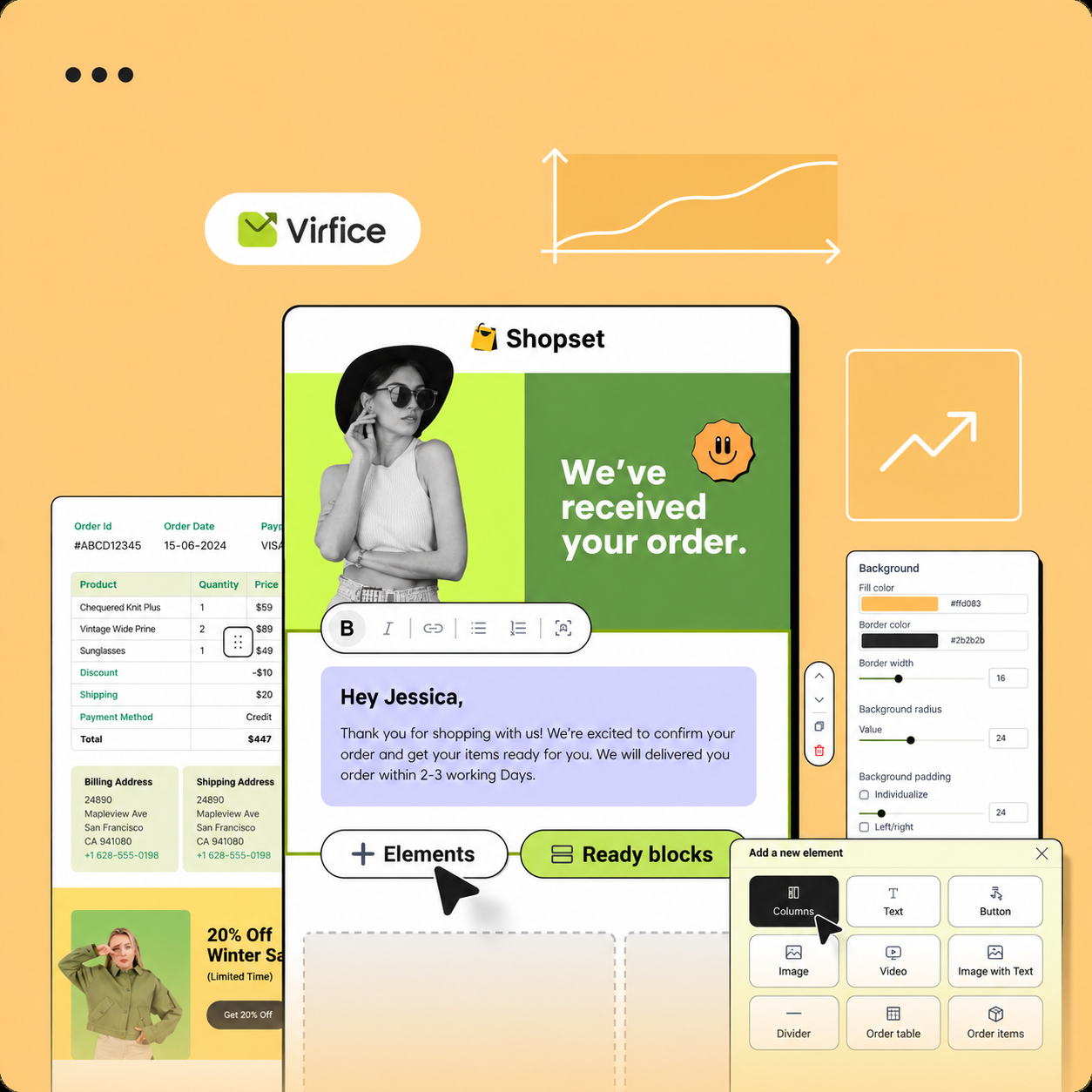
Drag elements from the Elements panel onto the canvas: Text, Image, Button, Divider, List, Columns, Video, Logo, and Social links. WooCommerce system emails also have order elements, such as the order table, product images, and billing and shipping details.
Ready blocks and headers
Ready Blocks are pre-built sections, such as a hero area or call to action. Headers offers several header layouts. Insert one and edit its content.
Edit content
- Click an element to open its settings.
- Type directly on the canvas to edit text.
- Adjust spacing, colors, fonts, borders, and alignment in the settings panel.
- Switch to Mobile view to check the layout on phones.
- Click Preview Email and send a test.
Design tips
- Use one main message and one clear button.
- Add alt text to images.
- Keep a good balance of text and images. Image-only emails often land in spam.
- Personalize with placeholders. See Personalization Placeholders.