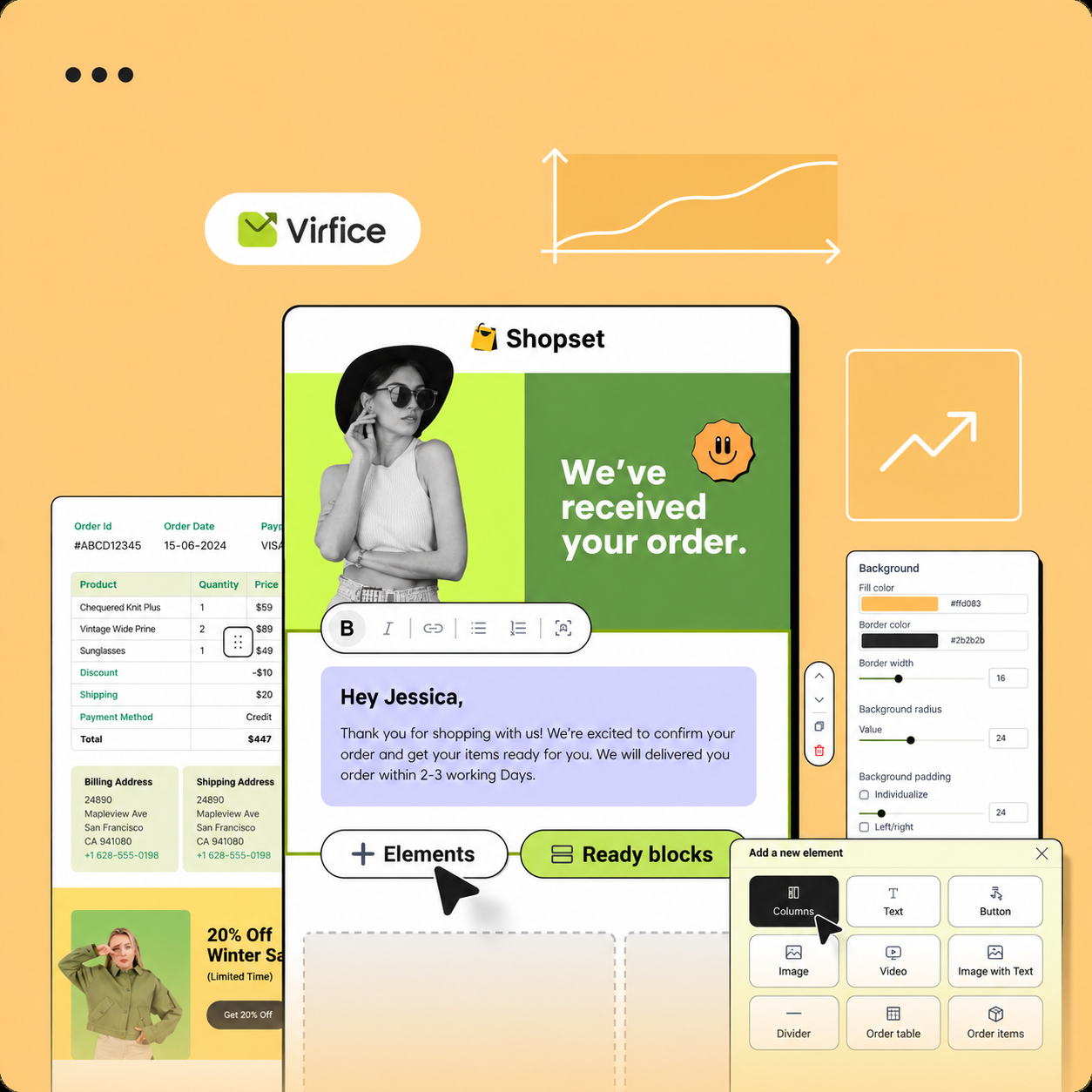
Brand Settings
Design a shared header, footer, colors, and social links for all your Virfice emails.
Brand Settings give all your emails a consistent look. Set them once, and Virfice applies them to new campaigns, automations, and system emails.
Go to Virfice → Settings → Brand.

Customize the email appearance
Open Brand settings to edit the shared design. You can change:
- Logo and the header layout
- Email width and body corner radius
- Email background and body colors
- Default text colors and fonts
- Footer content, including your company details
The preview updates as you make changes. Save when you’re done.
Add your social links
Under Social links, enter the full URL of each profile you want to show. Supported platforms are Facebook, Instagram, YouTube, X, TikTok, Snapchat, Pinterest, Tumblr, Vimeo, Telegram, VK, and phone.
Icons appear at the bottom of emails that have Show social media icons turned on.
To preview WooCommerce emails with realistic data, your store needs at least one product and one order.