Configure Double Opt-in
Forms
Require subscribers to confirm their email address.
Double opt-in adds a confirmation step after form submission. It can improve list quality and reduce invalid or mistyped addresses.
Setup
- Edit the form.
- Enable double opt-in.
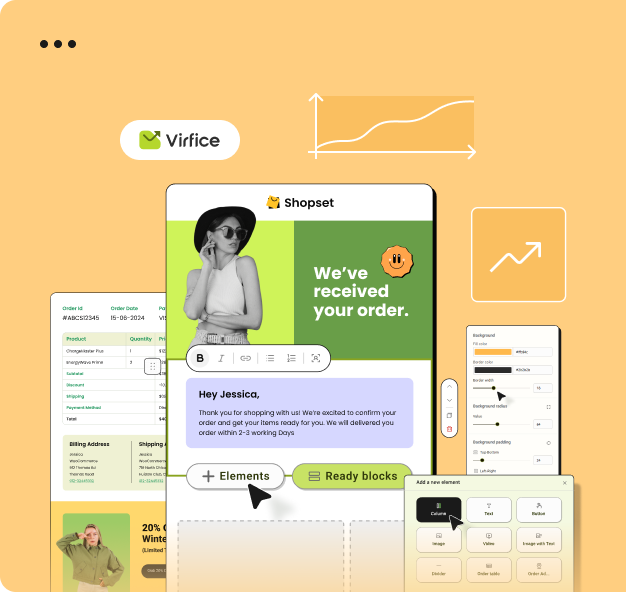
- Select or customize the confirmation email template.
- Include the confirmation link generated by Virfice.
- Configure the confirmation or redirect destination.
- Save and test with a new address.
A contact should not be treated as fully subscribed until the confirmation link is opened.