Create Your First Campaign
Create, design, target, preview, and send an email campaign.
Go to Virfice → Campaigns and select Create Campaign.
1. Name the campaign
Use an internal title that will make the campaign easy to find later. The campaign title is different from the public subject line.
2. Choose recipients
Select lists, tags, or specific contacts. Review the recipient count before continuing.
3. Choose or create a template
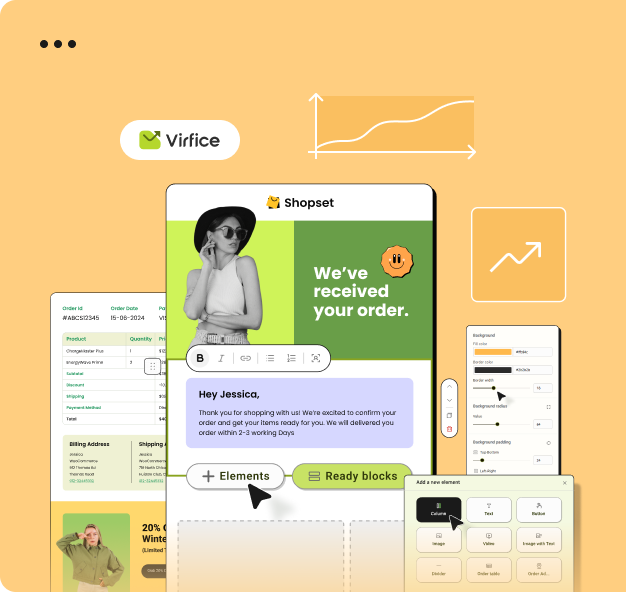
Select a campaign template and customize it in the email builder. Add your subject, preview text, sender details, and content.
4. Preview and test
Use Preview Email to check the inbox presentation and content. Send a test to an address you control and check it on desktop and mobile.
5. Send or schedule
Review the overview, then send immediately or select a future date and time. Scheduled campaigns cannot have their name changed after scheduling.
Always confirm the selected audience and unsubscribe footer before sending.