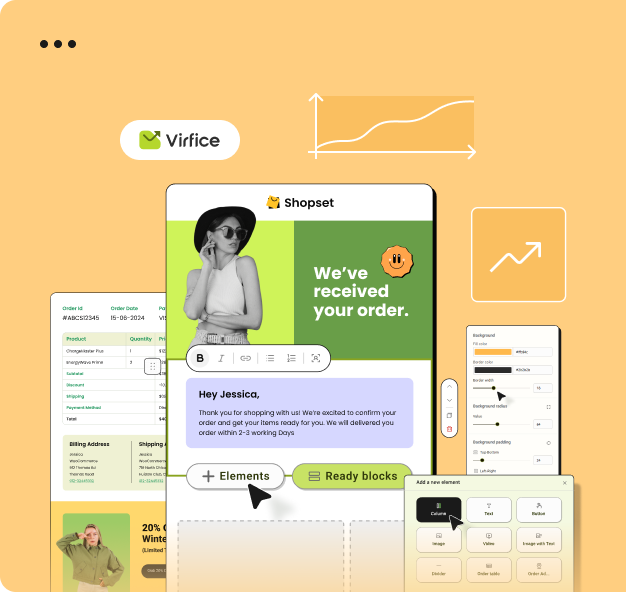
Preview and Test System Emails
System Emails
Use sample orders and test delivery before enabling a template.
Previewing checks layout; sending a test checks the complete delivery path.
- Create at least one product, customer, and WooCommerce order.
- Open the system email you want to test.
- Select an order for realistic data.
- Use desktop and mobile preview modes.
- Click Preview Email and review sender, subject, body, links, totals, and footer.
- Send the test to an address you can access.
Also verify the message outside the inbox preview, because email clients may render HTML differently.