Use the Virfice Email Builder
Templates & Email Builder
Build responsive emails with sections, elements, and inline editing.
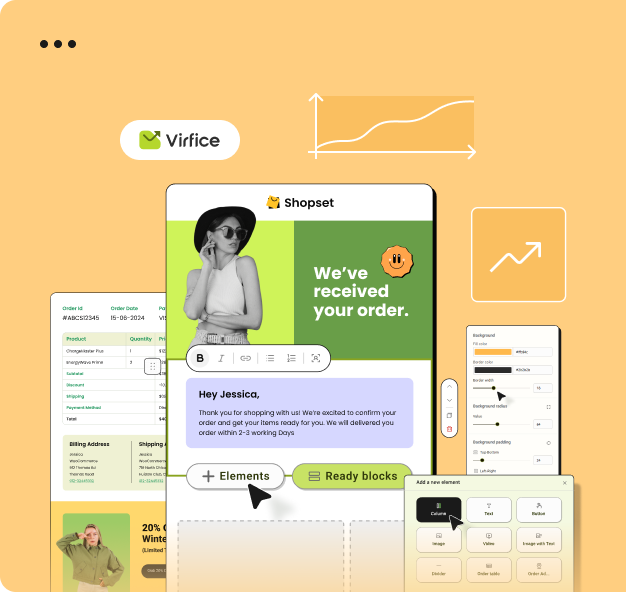
The Virfice builder combines a visual canvas with contextual design controls.
Build an email
- Select a template or start from an available preset.
- Add sections and content elements from the builder panel.
- Click an element to open its settings.
- Edit supported text directly on the canvas.
- Adjust spacing, colors, typography, backgrounds, borders, and alignment.
- Switch between desktop and mobile views.
- Save the template and send a test email.
Editing tips
Keep email width conservative, use one primary call to action, add descriptive alternative text to images, and test links before sending.