Templates Overview
Templates & Email Builder
Use pre-made designs and save your own templates for campaigns, automations, and forms.
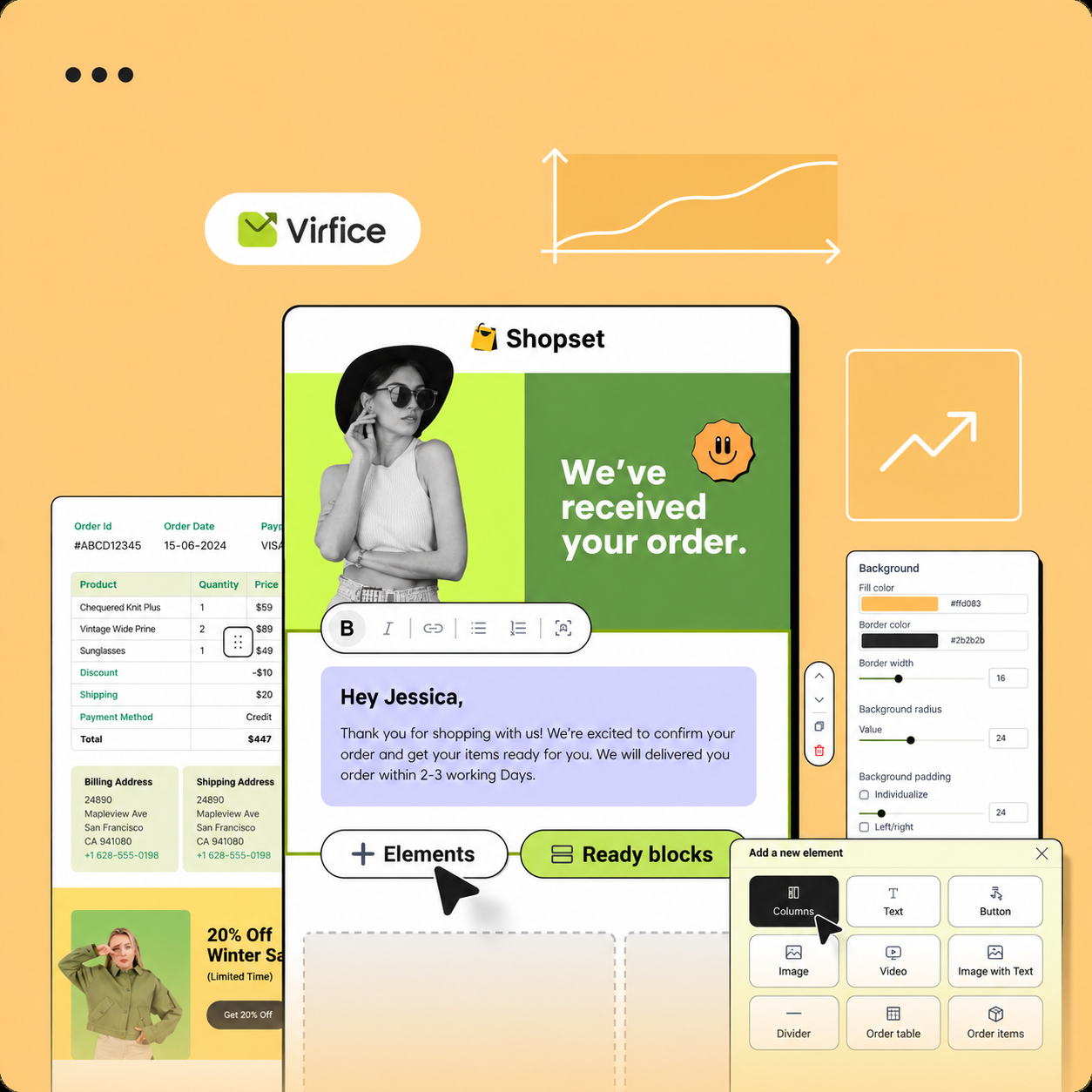
Templates are reusable designs, so you don’t rebuild every email from scratch. Go to Virfice → Templates.
Ways to use templates
- Pre-made templates: professionally designed starting points. Choose one and edit it.
- Your templates: click Create Email Template to design and save your own.
- Apply a template: when creating a campaign, automation email, or form, choose a template or Start from scratch.
- Change template: swap the design later while keeping your settings.
New templates use your Brand Settings for the header and footer, so they match your other emails. See Brand Settings.