We’re excited to introduce Virfice 1.3.0! This release adds a Product block to the email builder, two new automation triggers, and five new sets of conditions.
You can now add products from your WooCommerce store directly to your emails, win back customers who haven’t purchased in a while, and automatically follow up when someone leaves a review. You can also target customers based on their city, how much they’ve spent, their order history, and more.
We’ve also added undo and redo to the email builder, improved security, and fixed several known bugs.
Here’s everything that’s new.
What’s new at a glance
- New: Product element for adding product details to emails
- New: Customer Win-Back trigger to re-engage inactive customers
- New: New Review Posted trigger to automate emails based on product reviews
- New: Five new conditions: Customer – City, Customer – Total Spent, Customer – Order Count, Order – Created Date and Order – Item Count
- Update: Undo and redo in the email template editor
- Update: UX and security improvements
- Fix: All known bugs
Show your products right inside your emails

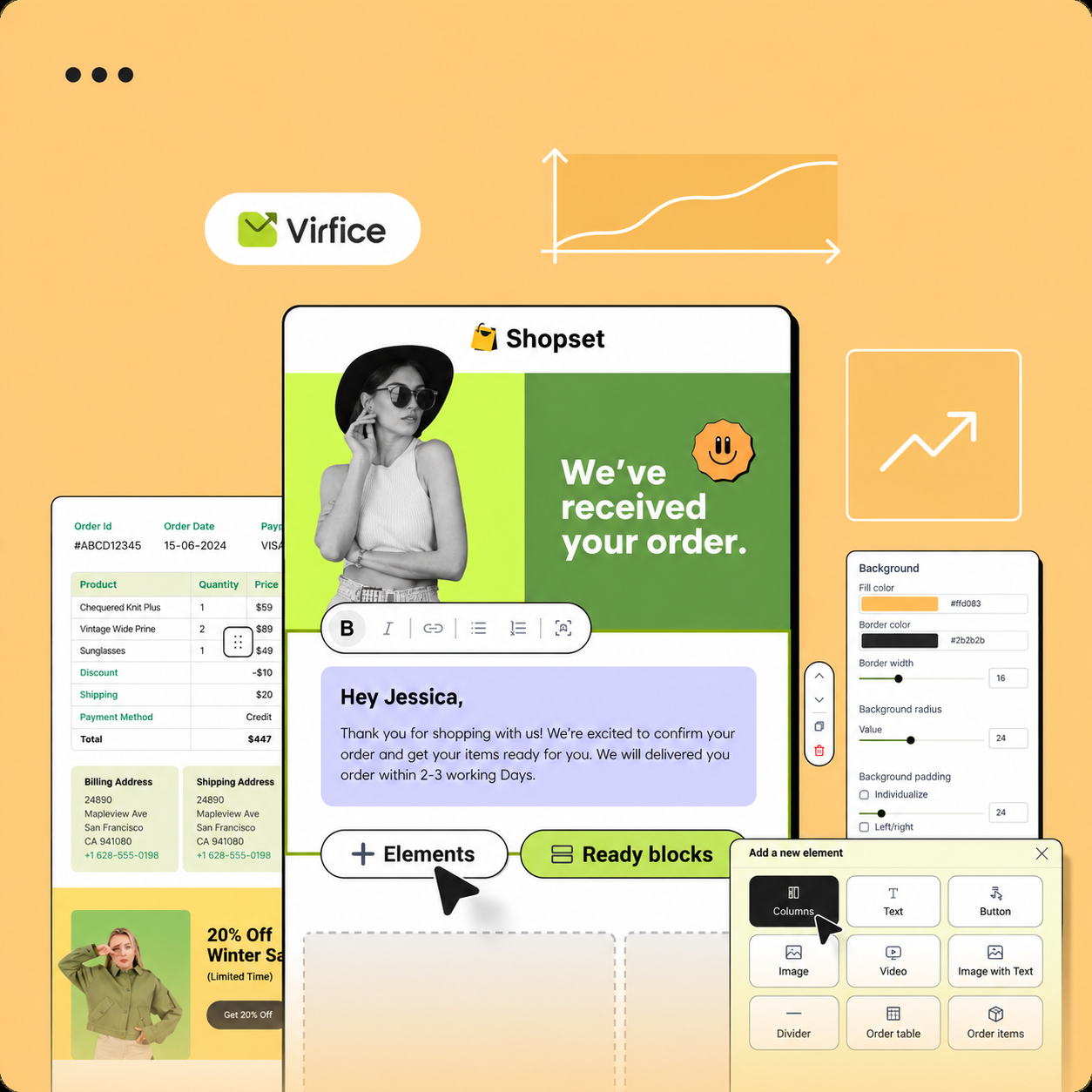
The new Product element lets you add products from your WooCommerce store directly into any email, with their details pulled in for you. No more copying product names, pasting prices or uploading screenshots by hand.
Use it to:
- Announce new arrivals in your newsletter
- Feature sale items in a promotional campaign
- Recommend products inside an automated workflow
Your emails look more like your store, and every product is one click away from the checkout.
Win back customers who’ve gone quiet

Every store has customers who bought once or twice and then disappeared. The new Customer Win-Back trigger starts a workflow when a customer has been inactive, so you can reach out before they forget about you.
A simple win-back flow might look like this:
- A customer hasn’t ordered in a while, so the workflow starts.
- They get a friendly “We miss you” email with a few products they might like.
- If they still haven’t come back, a follow-up email offers a small discount.
Bringing back an existing customer usually costs far less than finding a new one, and now it runs on autopilot.
Turn reviews into conversations

When a customer takes the time to review a product, that’s the perfect moment to reply. The new New Review Posted trigger lets you send an email automatically as soon as a review comes in.
Ideas to try:
- Send a personal thank-you note
- Offer a discount on their next order
- Invite happy reviewers to share their experience or refer a friend
Five new conditions for sharper targeting
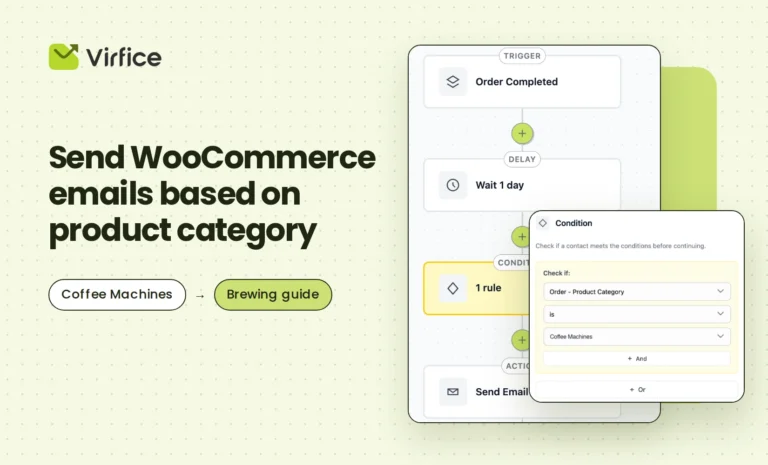
Triggers decide when a workflow starts. Conditions decide who it’s for. This release adds five new conditions, so you can send the right message to the right customers.
| Condition | What it does | Example use |
|---|---|---|
| Customer – City | Targets customers based on their city | Promote a local event, pickup point or delivery offer |
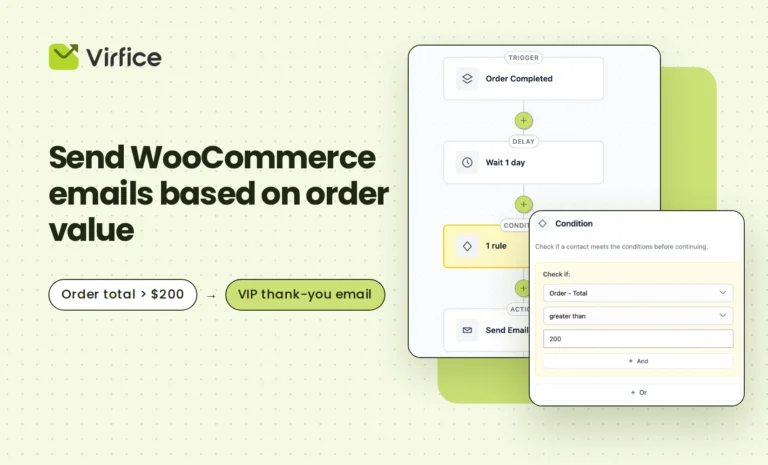
| Customer – Total Spent | Segments customers by their total spending | Send VIP perks to your biggest spenders |
| Customer – Order Count | Targets customers by how many orders they’ve placed | Welcome first-time buyers, reward loyal repeat customers |
| Order – Created Date | Runs workflows based on when an order was created | Follow up on orders placed during a sale or season |
| Order – Item Count | Targets orders by the number of items they contain | Thank customers who placed large orders |
The real power comes from combining them. For example, pair the Customer Win-Back trigger with the Customer – Total Spent condition to send your best customers a more generous comeback offer than everyone else.
This is how we design Virfice automation: a compact set of triggers and conditions that don’t repeat each other, but combine to cover a huge range of workflows. Fewer settings to learn, more automations you can build.
Undo and redo in the email editor
Tried a new layout and didn’t like it? Deleted a block by mistake? The email template editor now supports undo and redo, so you can experiment freely and step back whenever you need to.
Security, UX and bug fixes
We’ve made a round of UX improvements across the plugin, strengthened security, and fixed all known bugs. Your email marketing stays inside your own WordPress site, and we keep working to make it safer and smoother with every release.
Get the update
Update Virfice from the Plugins page in your WordPress dashboard and start using the new features right away.
Still paying for a hosted email tool? Virfice gives you campaigns, automation, forms, an email builder and WooCommerce emails, all in your own WordPress dashboard, with your customer data staying with you. Check our plans.
Have feedback or a feature request? We’d love to hear from you. Many of the features in this release started as suggestions from our users.